
Capítulo 01 de 03
Gratis con Gemini + HeyGen
Genera el fondo con Gemini y anímalo con HeyGen, sin gastar un peso.
Existen 3 maneras de crear un gemelo digital. La primera es completamente gratuita y combina Gemini para generar el fondo, con HeyGen para animarlo. Empecemos por ahí.
Paso 01
Genera tu fondo de estudio con Gemini
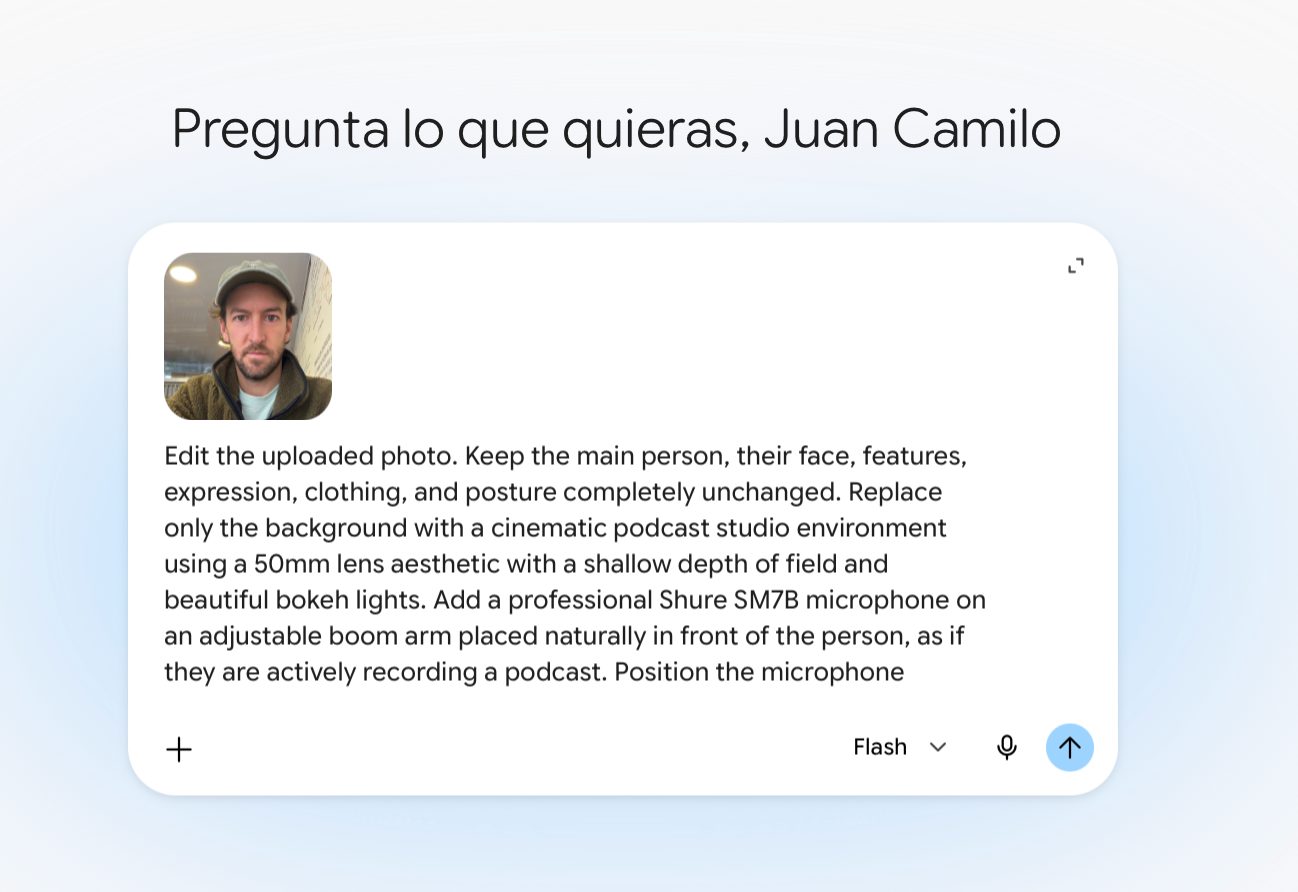
Entra a gemini.google.com, sube una foto tuya de frente y pídele que reemplace el fondo por un estudio de podcast, conservando tu rostro, expresión y ropa intactos.
Prompt
Edit the uploaded photo. Keep the main person, their face, features, expression, clothing, and posture completely unchanged. Replace only the background with a cinematic podcast studio environment using a 50mm lens aesthetic with a shallow depth of field and beautiful bokeh lights. Add a professional Shure SM7B microphone on an adjustable boom arm placed naturally in front of the person, as if they are actively recording a podcast. Position the microphone carefully so it does not block the person's face or main features. Ensure the lighting from the new studio background and the microphone placement creates realistic shadows and a subtle rim light on the subject, maintaining a high-end commercial quality.
Contenido bloqueado
Estás leyendo la muestra gratis. Desbloquea el capítulo completo y todas las guías por 17 USD al año.
Desbloquear por 17 USD/año